Buying a Ticket
Purchase a ticket to a PopOutNow event.
Overview
You can buy tickets directly on popoutnow.com using a credit or debit card. No account is required to purchase, but creating one lets you manage your tickets later.
Step-by-Step
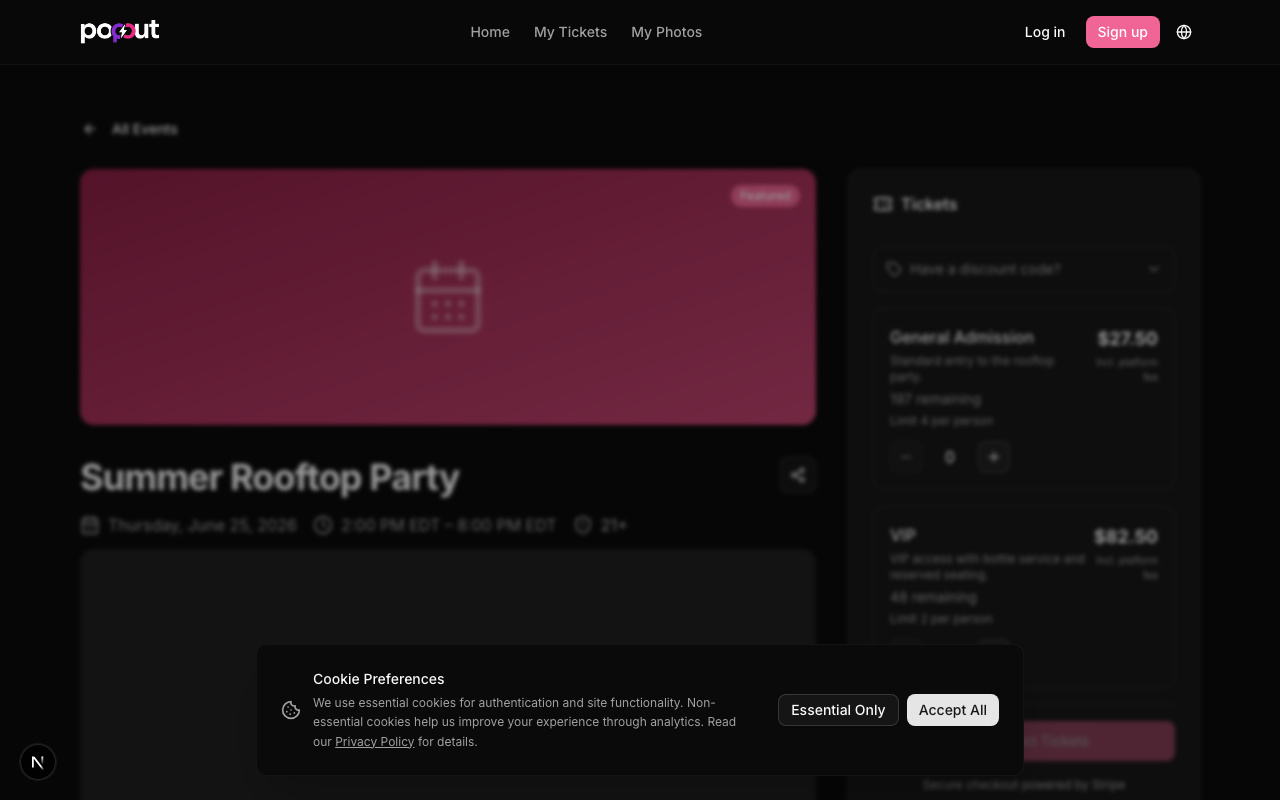
- Find the event on popoutnow.com or use a direct link
- Select your ticket type and quantity
- Enter a discount code if you have one
- Click Checkout
- Enter your payment details and confirm
- You'll receive a confirmation email with your QR code ticket
Common Issues / FAQ
I didn't receive my confirmation email. Check spam. If it's not there, log in to your account and go to My Tickets — your ticket should be there.
The event is sold out. Ticket availability is controlled by the hoster. There's no waitlist feature currently.
Can I buy tickets for someone else? Yes — enter their name during checkout, or transfer the ticket to them after purchase (see Ticket Transfers).